Daily category navigation
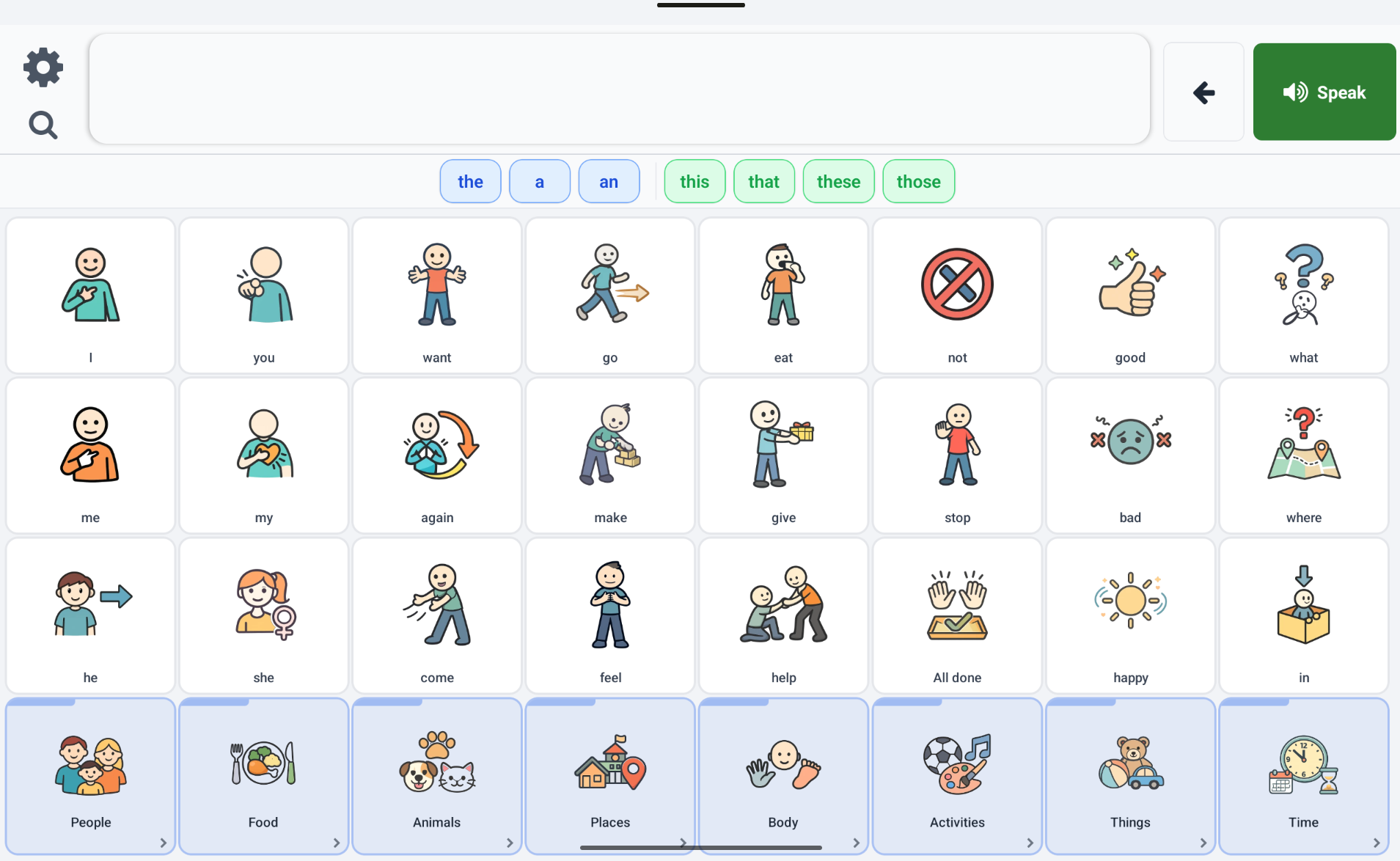
Standard Grid
Classic category and subcategory browsing with predictable symbol locations.
Works with favourites and progression while preserving core motor-planning patterns.
- - Category and subcategory navigation
- - Favourites behaviour
- - Progressive vocabulary overlays
- - Symbol placement consistency
Context and routine-based communication
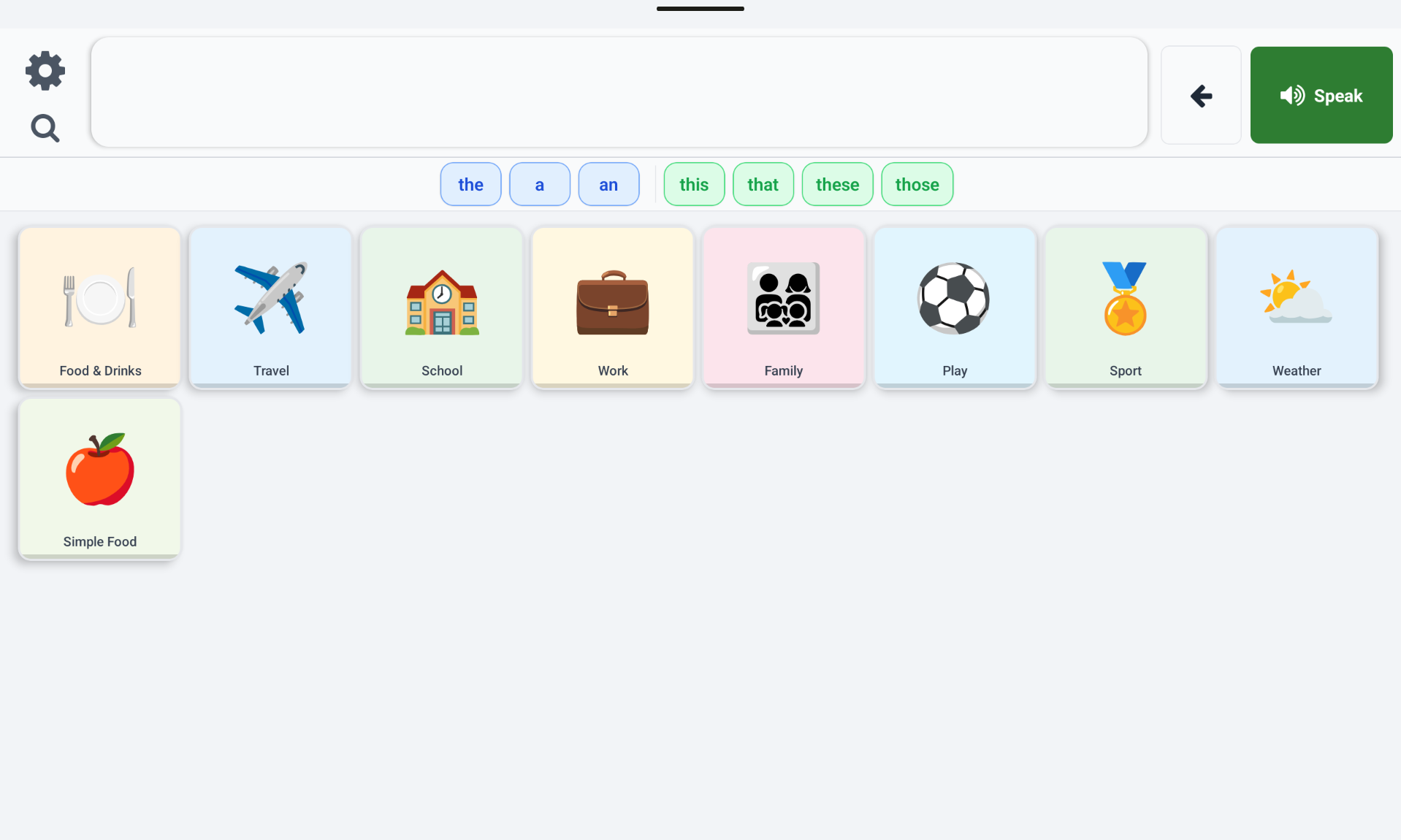
Activity Boards
Board-based navigation for routines like meals, school, and therapy sessions.
Supports board links, functional navigation cells, and in-place edit mode workflows.
- - Board dashboard and board links
- - Functional Back and Home buttons
- - Real-time board edit interactions
- - Board metadata and icon management
High-frequency communication with depth
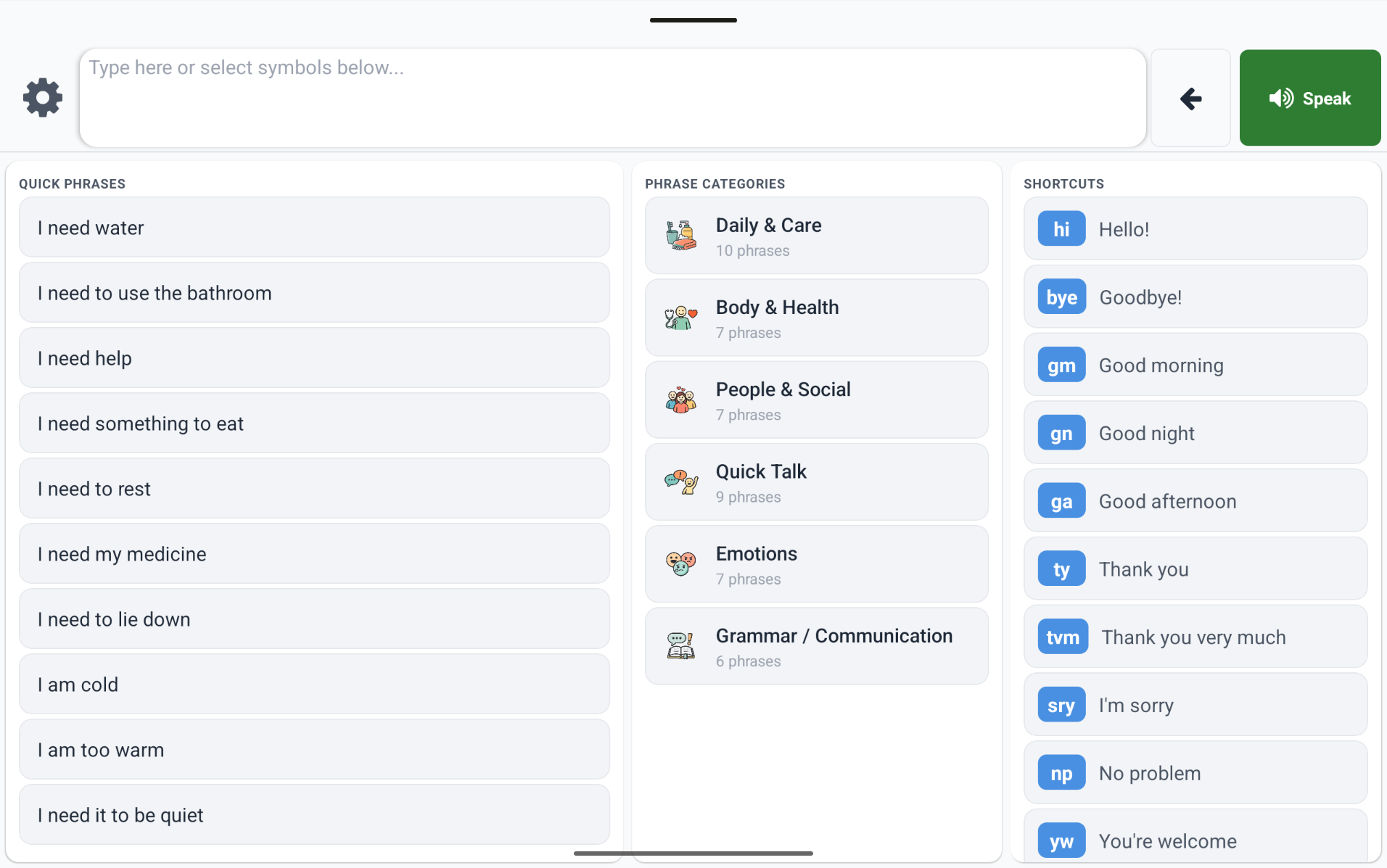
Core-Fringe
Pinned core words remain stable while fringe pages change by context.
Includes page trees, slot management, progressive vocabulary locking, and per-grid-size layout handling.
- - Pinned core slots across all pages
- - Nested page navigation with auto Home/Back buttons
- - Layout and page editor workflows
- - Grid-size specific layout copies
 Loquor AAC