Admin for Clinicians
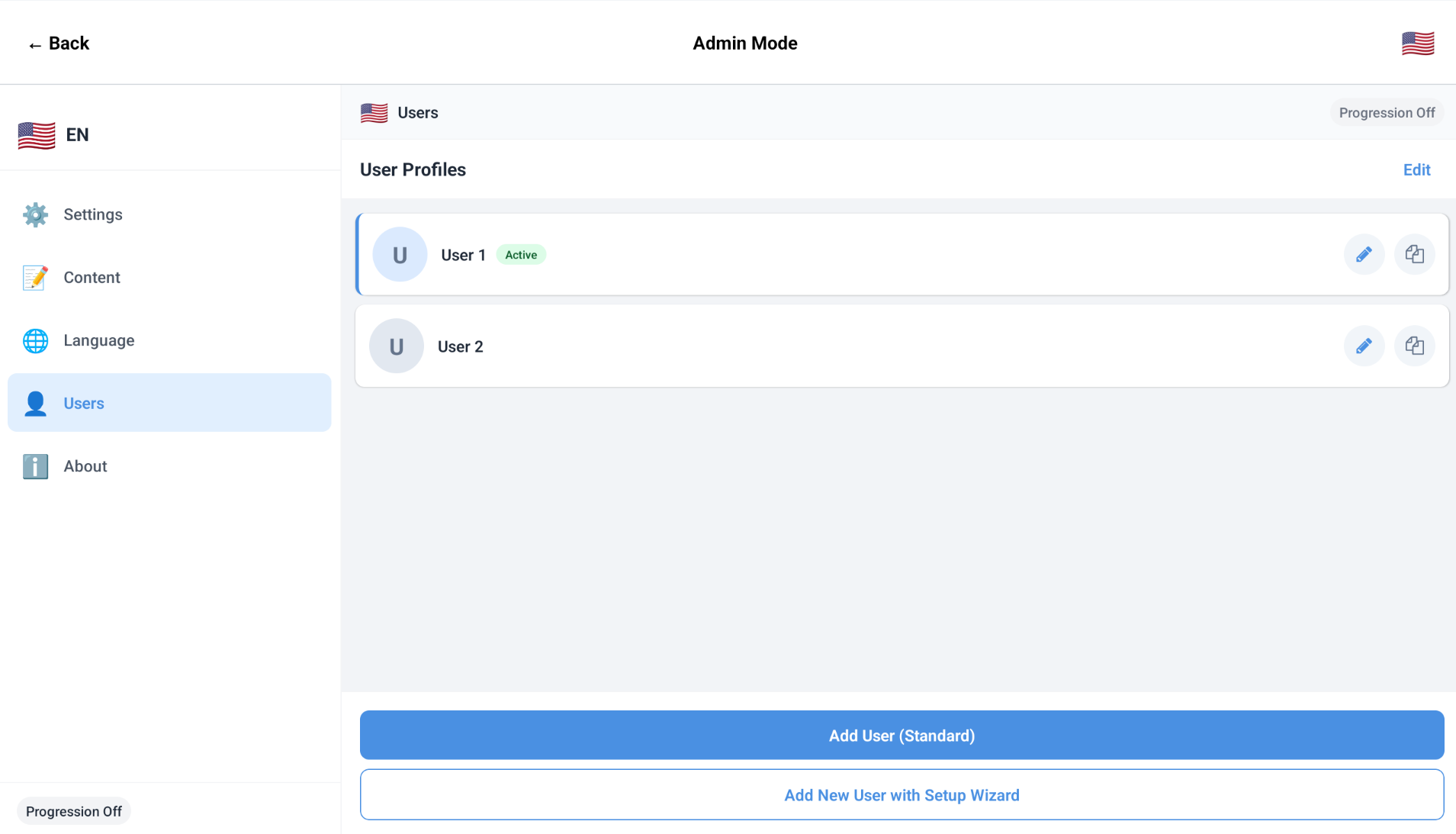
Admin mode in Loquor AAC is designed for structured operations across settings, content, language, and multi-user management.
Settings
Configure behaviour and safety controls for communication sessions.
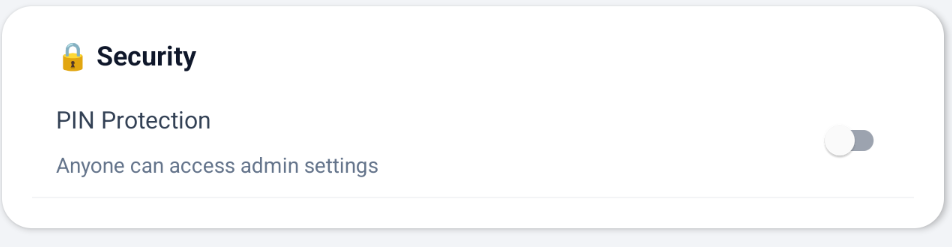
- - Security and PIN controls
- - Voice provider, pitch, rate, and ElevenLabs configuration
- - Input mode selection (Symbol Grid or Text-only)
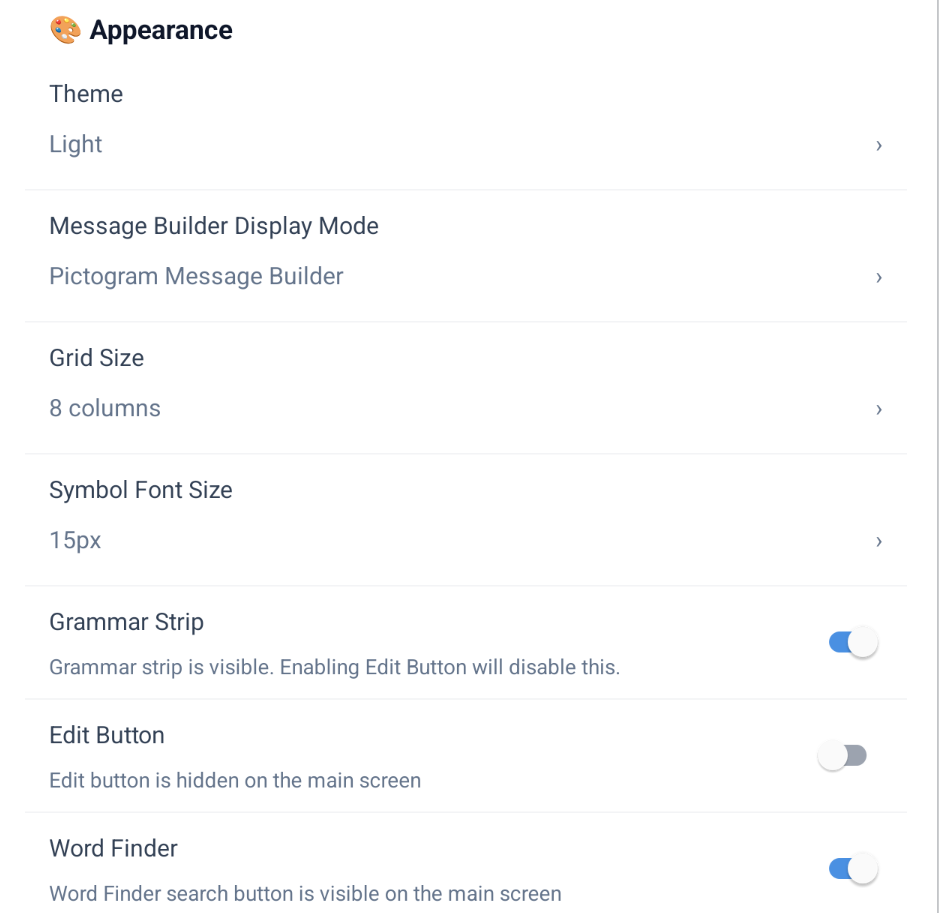
- - Appearance themes, grid size, and font preferences
- - Grammar, Fitzgerald Key, share button, and Word Finder controls
- - Backup and restore operations
Content
Manage the communication assets users interact with daily.
- - Symbols, phrases, and abbreviations with full CRUD
- - Irregular noun rules (singular/plural, uncountable)
- - Irregular verb exception forms per language
- - Activity board management and editing
- - Core-fringe layout, page tree, and slot management
Language
Handle progression and vocabulary packaging by language context.
- - Progressive vocabulary controls and readiness checks
- - Mastery threshold and min-uses-per-word settings
- - Expert Vocabulary toggle for Level 6 words
- - Vocabulary pack install, reinstall, and grammar data sync
- - Language-specific content views and maintenance actions
Users
Create and maintain isolated communication profiles for multiple people.
- - Standard add and guided add with 12-step setup wizard
- - Duplicate active user and switch profile flows
- - Profile metadata editing (name, photo, age, diagnosis, notes)
- - Delete restrictions for active and last-user safety
Operational Notes
- - PIN protection can gate entry and edit workflows.
- - Language context influences content lists and pack operations.
- - User profiles are isolated for cleaner care-team handoffs.
- - Backup and restore actions are explicit and user initiated.
Explore Content Management
Dive deeper into the tools clinicians use to manage communication content.