 Loquor AAC
Activity Boards
Themed communication boards tailored to specific routines, environments, and activities. Build a board for mealtimes, another for school, and switch between them in a tap.
Board Management
Create, Copy, and Organise Boards
Build a library of themed boards for every situation - from mealtimes to therapy sessions. Duplicate an existing board to save time, then tweak it for a new context.
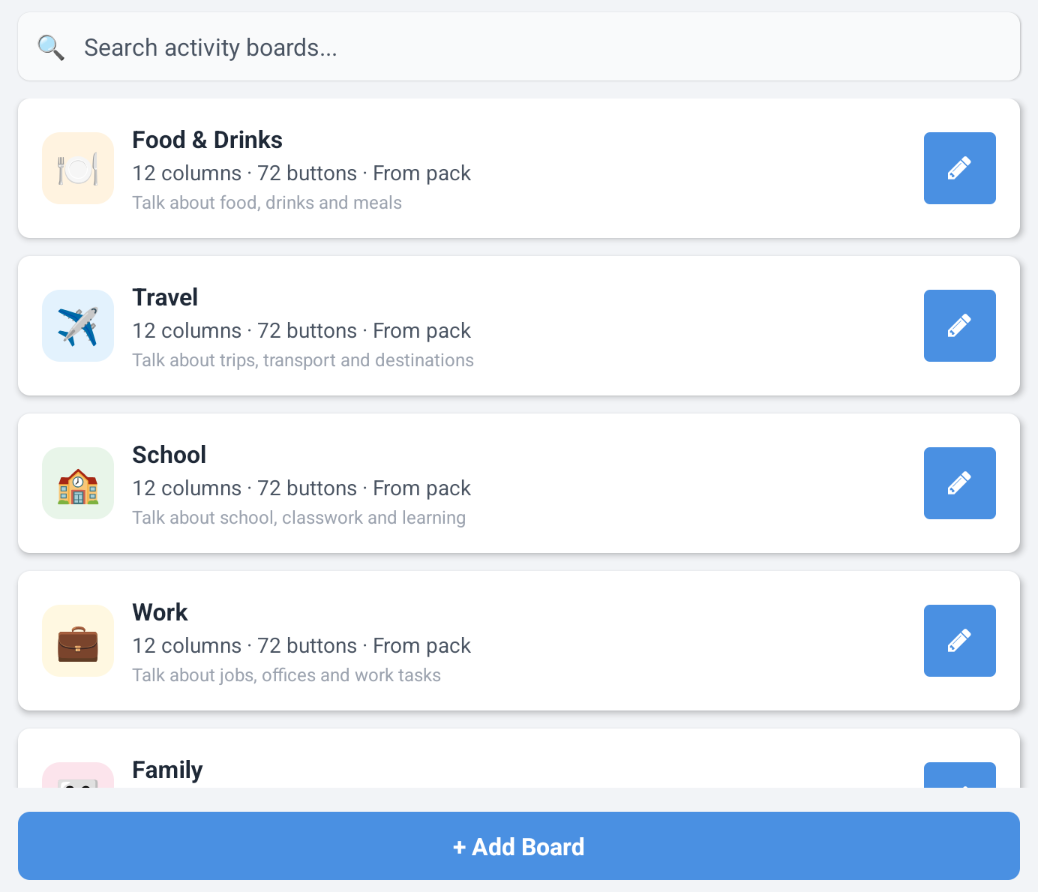
- Browse all boards for the current language with live search by title or description
- Create a new board with a title, icon or photo, grid width (6-12 columns), and background colour
- Copy from an existing board to duplicate its layout and all buttons in one tap
- Each board shows its icon, title, column count, button count, and vocabulary-pack origin
- Boards are language-specific - switching the app language shows a different set
Customisation
Icons, Colours, and Grid Size
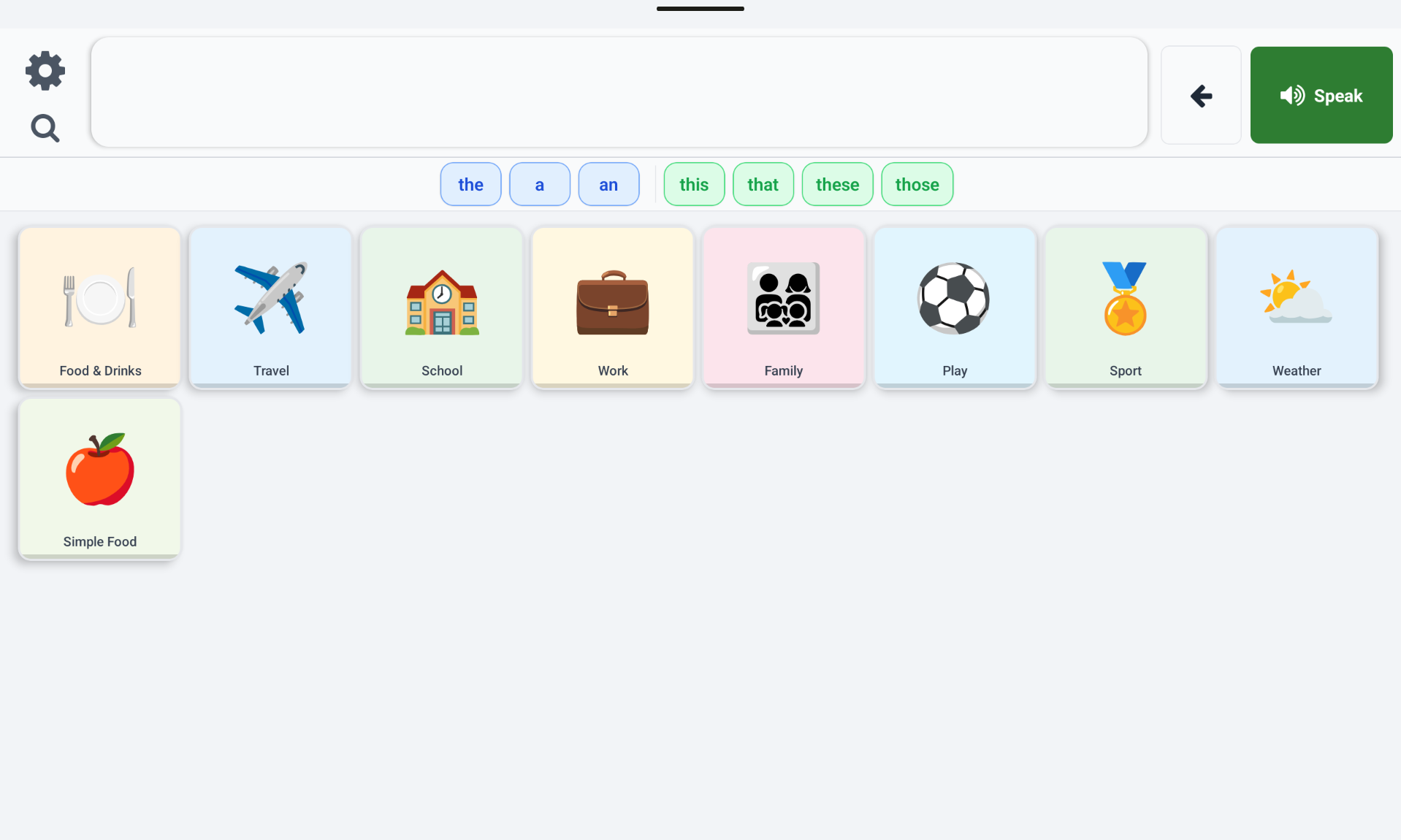
Make every board instantly recognisable. Choose an emoji, a photo from the device, or an image from an installed vocabulary pack, then pick a background colour and grid width.
- Icon or image picker with emoji, device photo library, and vocabulary-pack image options
- Live preview updates as you change icon, colour, or grid size
- Grid columns stepper - choose 6 to 12 columns; rows are calculated automatically from screen size
- Background colour from preset swatches gives each board a distinct visual identity
- Two-column editor layout on tablets for faster editing; single-column on phones
Grid Editing
Build Board Contents Visually
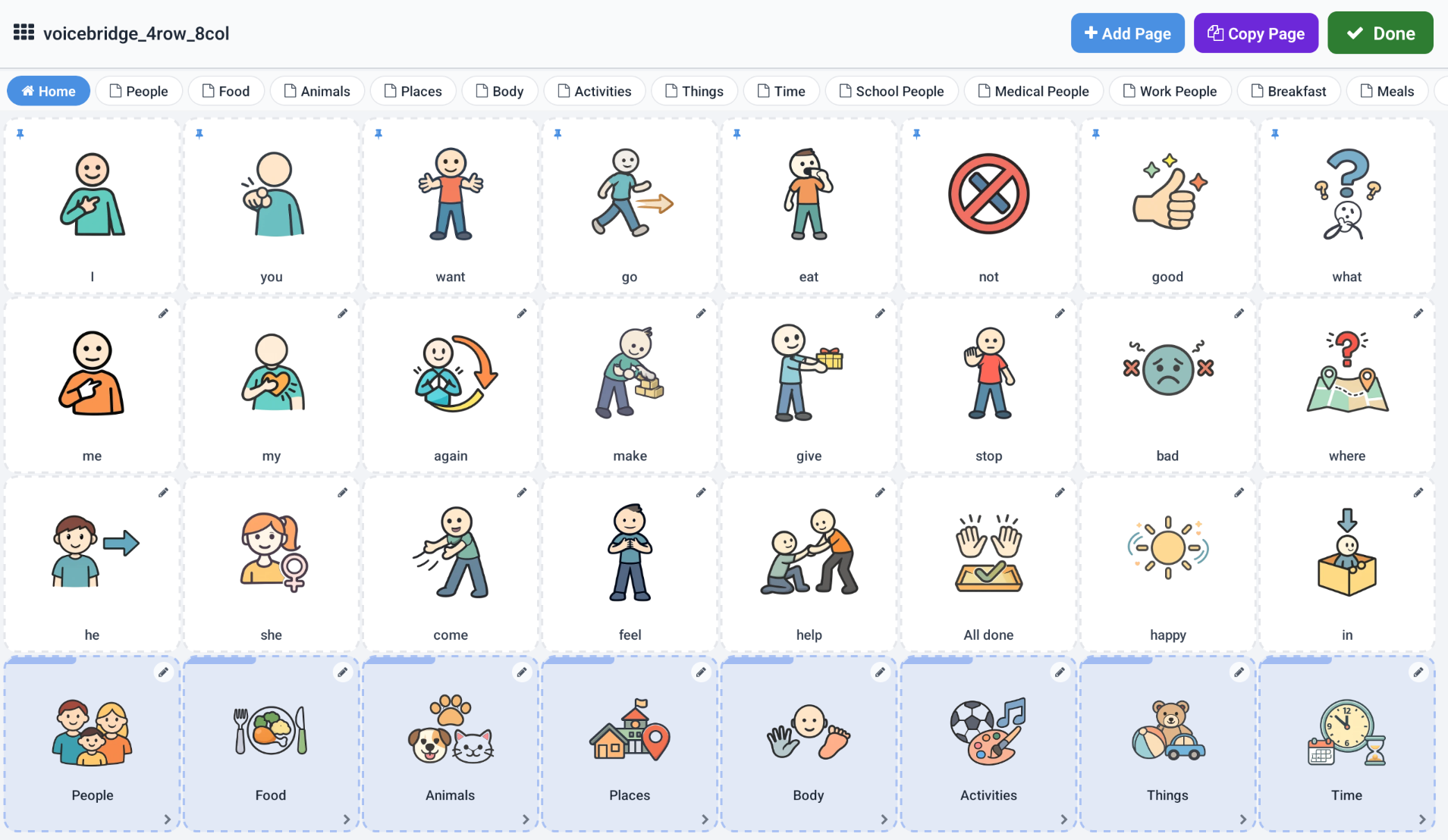
Open any board in grid edit mode to add, move, and arrange buttons directly on the grid. No need to leave the admin flow - everything happens in place.
- Tap an empty cell to open the symbol picker - choose an existing symbol, search, or create a new one
- Create board-to-board link buttons and navigation buttons like Home and Back
- Move a button by selecting it and tapping another cell; edit it with a long-press
- Edit button details: label, spoken text, emoji, custom image, category, Fitzgerald colour, and background colour
- When finished, tap Done - the app returns to the board editor so you can continue adjusting settings
Ready to Build Your First Board?
Download Loquor AAC and create communication boards tailored to every moment.
Try Loquor AAC